Funnels that don't lie: instrumenting onboarding
Your tutorial completion rate is 71%. Is that good? You cannot tell — because that number probably counts screens dismissed, not skills acquired. Instrumentation is where funnels go wrong, long before anyone reads the chart.
Fire intent, not UI
An event named first_match means a player chose to play. An event named tutorial_screen_3_closed means they found the close button. Only one of those is a fact about your game. Name events after the intent they represent and the funnel starts describing player behaviour instead of your UI tree.
// Intent — survives a UI redesignTombstack.TrackEvent("first_match_started");// UI mechanics — meaningless in two sprintsTombstack.TrackEvent("tutorial_screen_3_closed");
The practical test: if you redesigned the screen tomorrow, would the event still mean the same thing? If not, you are measuring furniture.
A drop-off is a question, not an answer
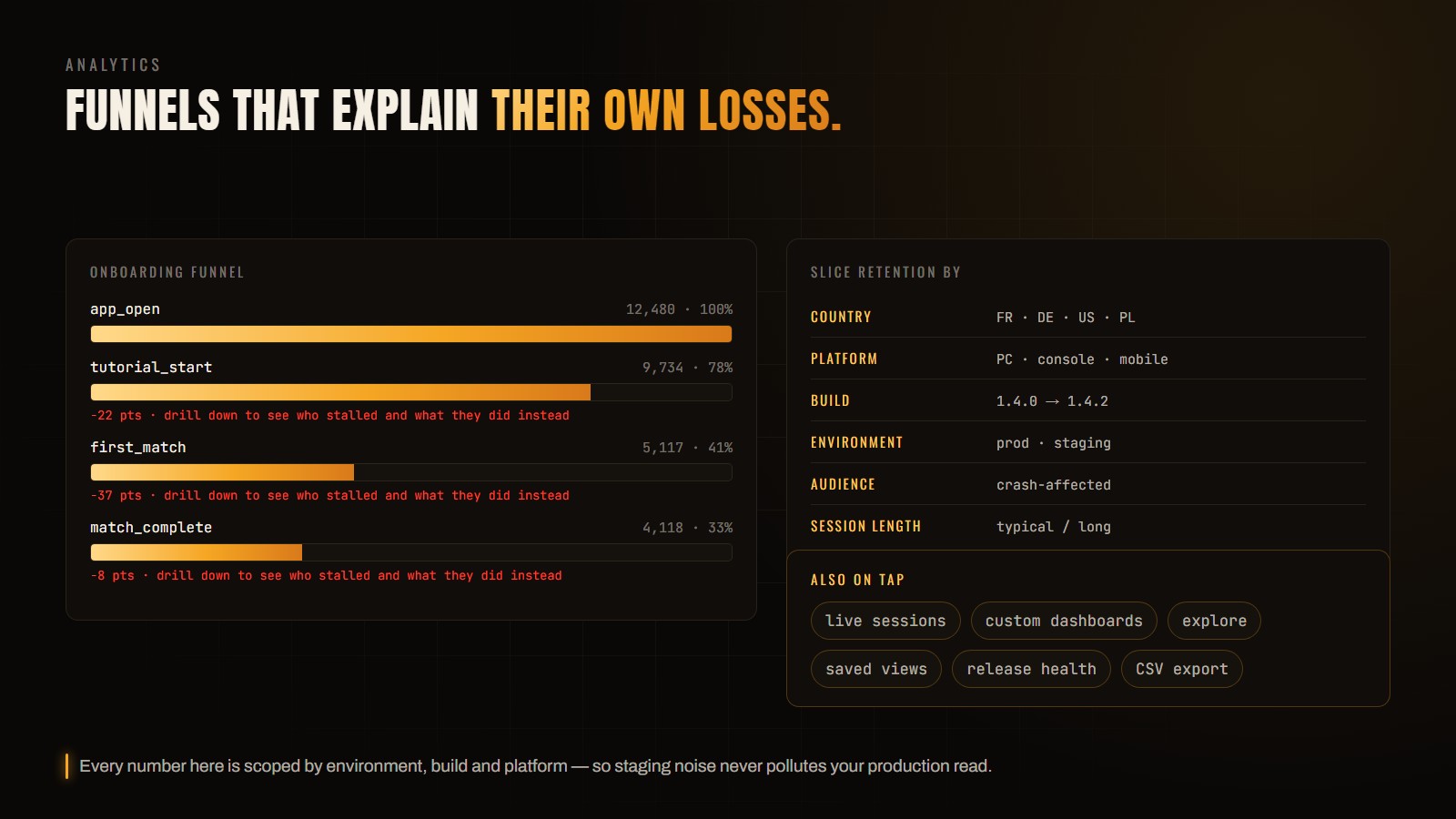
Knowing 41% reach the first match tells you nothing about what to change. Drill into the loss: which players stalled at that step, what they did instead of advancing, and what the session looked like around it. That is the difference between a metric and a lead.
Check stability before you redesign anything
Before concluding that a step is confusing, scope the funnel to the players who hit a crash. If the drop-off is concentrated among them, you do not have a UX problem — you have a bug that looks like one, and redesigning the screen will not move the number.